Wire Management
Effective wire management is crucial for precise harness design. Wiringly allows you to define and manage a library of wire types, gauges, and colors to ensure your documentation and Bills of Materials (BOM) are accurate.
Accessing the Wire Library
You can access the Wire Management tools from the main ribbon:
- Navigate to the Edit tab on the tool ribbon.
- Click the Wire Management button.

The Wire Library
The Wire Library is your central database for all wire specifications used in your projects. By defining your wires here, you ensure consistency across your designs.
Wiringly utilizes a smart caching system for the Wire Library. Once data is fetched, it is stored locally for 1 hour to eliminate redundant API calls and ensure the designer can open new projects or refresh the page almost instantly.
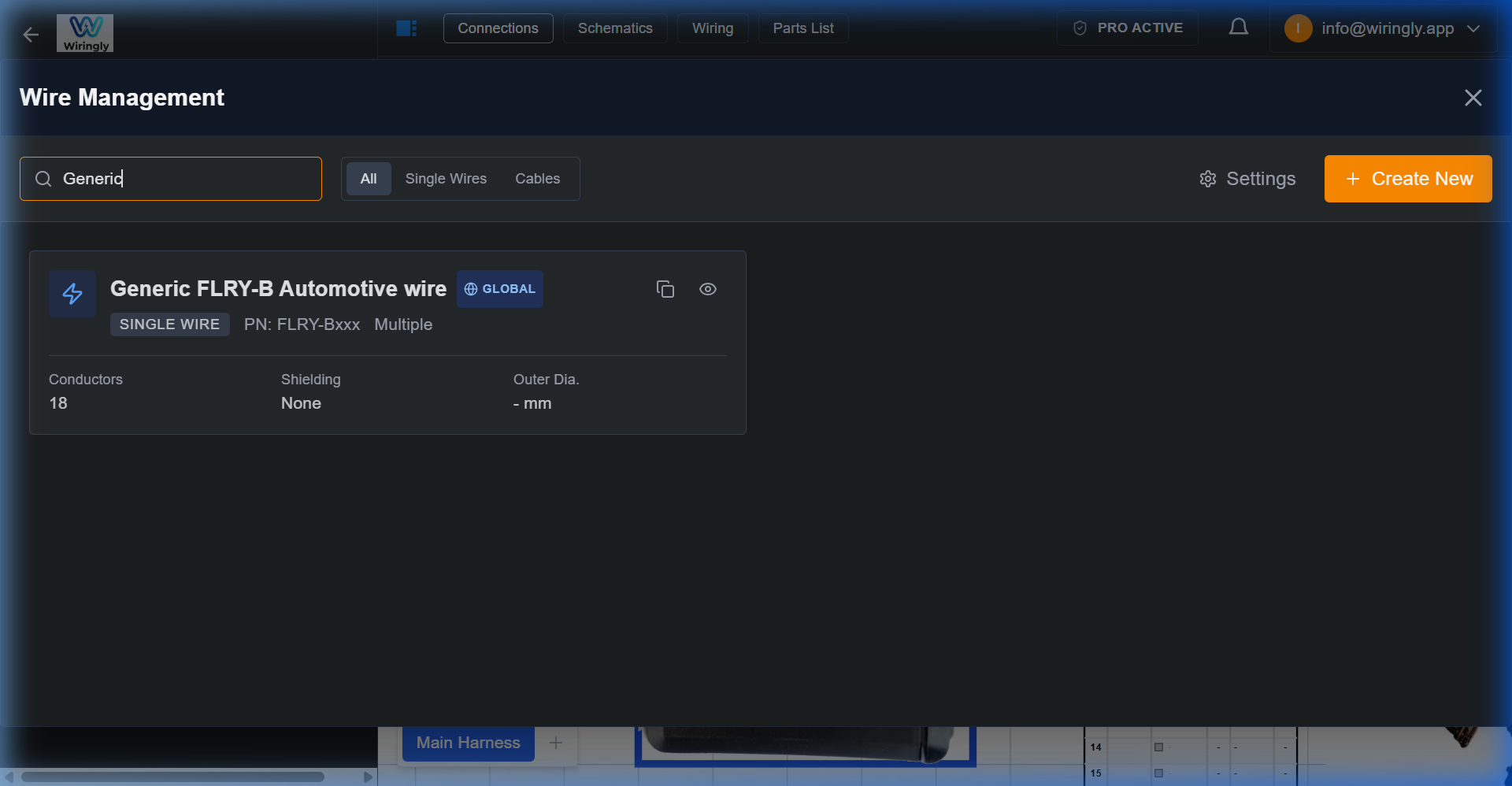 The Wire Management library with search and filtering.
Features
- Custom Colors: Define primary and secondary colors for your wires to match your specific coding standards (e.g., DIN, SAE, or custom shop standards).
- Gauge Selection: Specify wire gauges (AWG or mm²) to ensure the correct physical properties are accounted for in your design and BOM.
- Wire Types: Categorize wires by type (e.g., FLRY, TXL, GXL) for accurate sourcing.
Creating New Wires
- Open the Wire Management modal.
- Click + New Wire (or similar "Add" button depending on current UI).
- Enter the Wire Name/ID.
- Select the Gauge.
- Choose the Primary Color and Secondary Color (stripe) if applicable.
- Save your new wire definition.
Using Wires in Your Design
Once defined in the library, these wires become available for use when making connections between components.
- Smart Suggestions: When connecting components, Wiringly automatically suggests the wire family and gauge based on the device's requirements and your last used selections.
- Manual Selection: You can manually select a specific wire from your library during the connection process to ensure the right wire is used for the right circuit.
- BOM Integration: All wires used in your design are automatically calculated and added to the Bill of Materials, including their total length (plus your specified contingency).